

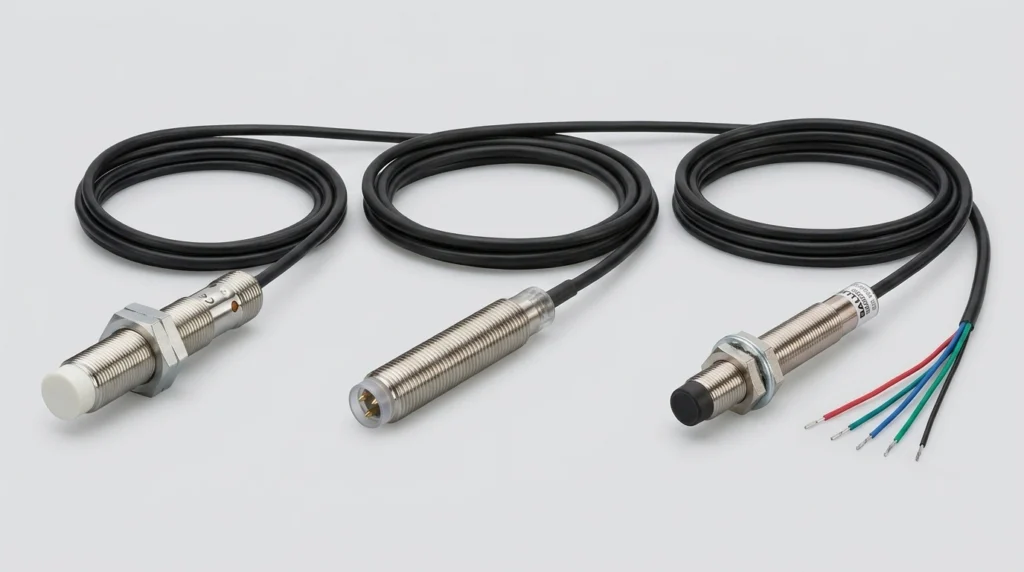
IFM Electronic Sensors: Product Guide for IFM204, BES013N, BES02F0 and IFM Sensor Cables
Master your setup with IFM sensors and cables. Decode the IFM204, clarify Balluff cross-references, check wiring steps, and configure IO-Link masters.
Pro-face GP4000 HMIs are widely used in OEM equipment from Japanese machine builders – and when one fails, maintenance teams need a replacement fast, without weeks of waiting. The PFXGP4301TAD and PFXGP4502WADW are two of the most frequently encountered panels in US food processing, packaging, and semiconductor facilities. Zancot stocks both models to support American maintenance teams who need like-for-like replacements without re-engineering the operator interface.
The part number structure is not random – it is a compact spec sheet once you know the key. Every character in a Pro-face model number carries a specific meaning:
So PFXGP4301TAD immediately tells a technician: GP4000 series, 5.7-inch class, analog touch, DC-powered. The PFXGP4502WADW adds a wide display and a white bezel to the picture. Reading part numbers this way saves time when cross-referencing compatibility or finding alternatives.
The PFXGP4301TAD combines HMI visualization with onboard ladder logic in a single compact unit. This all-in-one design is common in Japanese OEM machines where space is tight and the integrator wanted to reduce component count.
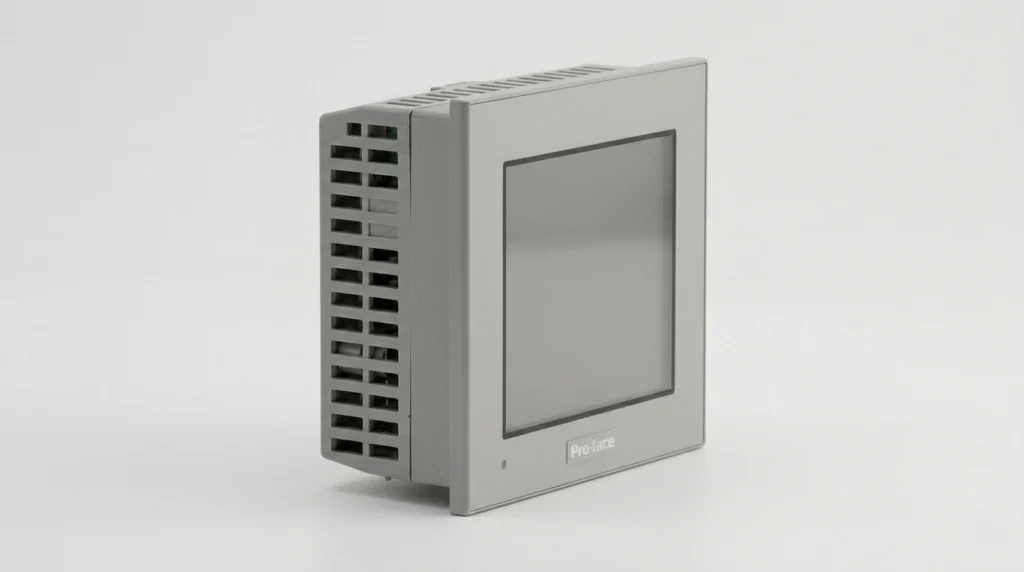
The display is a 5.7-inch TFT color LCD with 320×240 pixels (QVGA) and 65,536 colors. The LED backlight is rated for 50,000 hours of continuous operation before dropping to 50% brightness. Front-face protection is rated IP65 – dust-tight and resistant to water jets, which matters in food and pharmaceutical environments.
Power input is 24VDC nominal (acceptable range: 19.2–28.8V DC). Communication ports include:
The PFXGP4301TAD runs ladder logic using 132 KB of Flash EPROM (approximately 15,000 steps) with 320 KB of SRAM for data backup. That SRAM is protected by an internal lithium battery – and this is where many maintenance teams get caught off guard.
Pro Tip: Schedule battery replacement every 3–5 years using Pro-face part CA3-BATT01-01. A dead battery causes clock errors and data loss after any power interruption – problems that are easy to prevent but painful to troubleshoot.
The battery is accessible through the rear panel and is a straightforward swap. Missing that maintenance window is one of the most common avoidable failure modes on this model.
For older PLCs that pre-date Ethernet, the serial ports are the primary connection point. Pro-face conversion adapters CA3-ADPCOM-01 and CA3-ADPTRM-01 attach to COM2 to provide RS-422/485 capability. When connecting to Allen-Bradley PLCs via DF1 protocol over RS-232, a straight-through cable to COM1 is the standard starting point – though pin configurations vary by PLC model, so verifying against the specific hardware manual is always the safer move.
The PFXGP4502WADW belongs to the GP4000E economical sub-series and targets applications where screen real estate matters – think multi-alarm displays, process trend views, or operator stations where several people may be reading the screen at once.
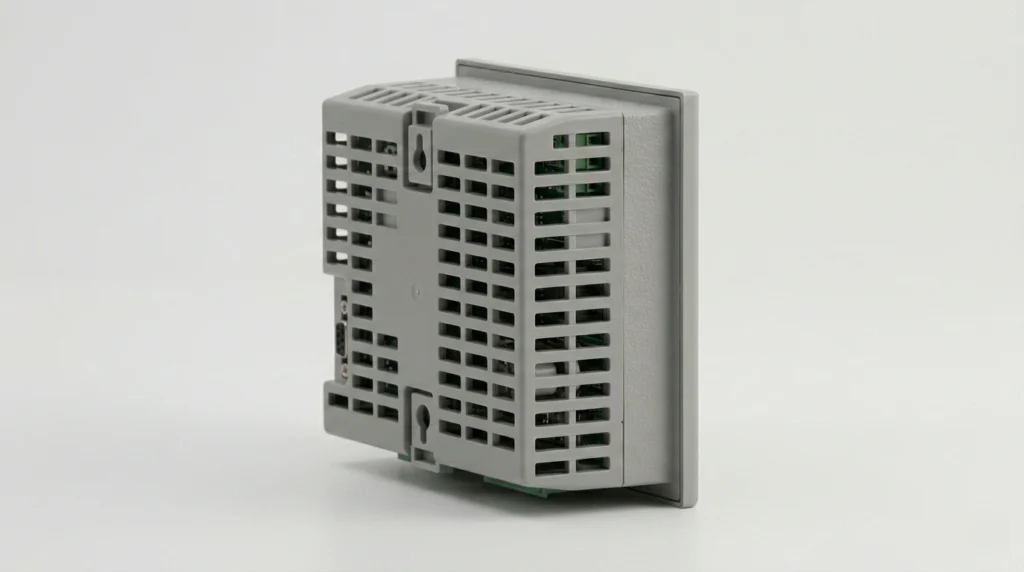
This is a dedicated HMI only – unlike the PFXGP4301TAD, it has no integrated PLC logic. It is built to communicate with external controllers, not replace them.
The display is a 10.1-inch wide TFT color LCD at 800×480 pixels (WVGA), with an effective display area of 219.6 × 131.76 mm and 65,536 colors. The white bezel (indicated by the final W in PFXGP4502WADW) fits naturally into food industry enclosures where white is standard. The unit is fanless, using natural air circulation – one less component to fail.
Storage and connectivity options are notably broader than the 4301TAD:
That last point is particularly useful in facilities running mixed automation infrastructure – for example, a Siemens PLC controlling one machine zone while an Allen-Bradley handles another, with a single PFXGP4502WADW panel in the middle.
| Feature | PFXGP4301TAD | PFXGP4502WADW |
| Display size | 5.7″ | 10.1″ Wide |
| Resolution | 320×240 (QVGA) | 800×480 (WVGA) |
| Integrated logic | Yes (~15,000 steps) | No |
| Internal battery | Yes (SRAM backup) | No (internal memory) |
| External storage | SD card | USB |
| Power input | 24VDC | 24VDC |
| Front IP rating | IP65 | IP65 |
Both models are programmed using GP-Pro EX, Pro-face’s unified development environment. Version 4.09 is the current release and supports the full GP4000 and GP4000E lineups. For the PFXGP4301TAD, GP-Pro EX handles both screen design and ladder logic in a single project file – no separate PLC software required. For the PFXGP4502WADW, it manages screen design and PLC communication drivers.
Backup and restore in GP-Pro EX works through two tools:
Note: If no project backup exists before a unit failure, the screen data may not be recoverable. Building scheduled SD card or CF card backups into the preventive maintenance plan costs almost nothing – and avoids a very expensive engineering problem later.
GP-Pro EX includes native drivers for the most common PLC brands. The setup path in both cases is the Device/PLC settings menu within the software:
Both Allen-Bradley and Siemens connections can run simultaneously on the PFXGP4502WADW thanks to its dual-driver support.
Both models have reached or passed the end-of-sales. The PFXGP4502WADW officially ended sales on December 31, 2024, with manufacturer repair support running through December 31, 2026. Pro-face’s designated replacement is the PFXET6500WAD from the ET6000 series – same panel cutout dimensions, which means no enclosure modification needed.
The GP4000 standard models, including the PFXGP4301TAD, have also reached end-of-sales, with the GP6000 series as the forward replacement family.
That said, migrating to a new platform takes engineering time, revalidation, and budget. For facilities that need the line running now, sourcing a like-for-like replacement – new surplus or refurbished – is often the practical first choice. Zancot stocks GP4000 series panels for exactly this reason, with same-day shipping on in-stock units to US customers.
Check availability for PFXGP4301TAD and PFXGP4502WADW on Zancot, or browse the full Pro-face and Schneider Electric parts catalog for related components. For other HMI platforms, Zancot’s HMI category covers Allen-Bradley PanelView, Siemens TP/KP series, and more.
Is the PFXGP4301TAD still available to buy?
Yes – though it is end-of-sales from the manufacturer, new surplus and refurbished units are available through industrial parts distributors like Zancot. Stock levels fluctuate, so checking current availability before a breakdown is the smarter approach.
What is the difference between the GP4000 and the GP4000E series?
The GP4000E is the economical sub-series within the broader GP4000 family. The PFXGP4502WADW belongs to GP4000E. These units typically lack the integrated PLC logic found in standard GP4000 models like the PFXGP4301TAD, but offer strong HMI performance at a lower cost point.
Can the PFXGP4301TAD connect to a Siemens PLC?
Yes. Using GP-Pro EX and the appropriate Ethernet or serial driver, the PFXGP4301TAD can communicate with Siemens S7-series PLCs. Ethernet (ISO TCP) is the preferred method for S7-300/400; the TIA Portal Ethernet driver handles S7-1200/1500.
How often should the battery be replaced on the PFXGP4301TAD?
Pro-face recommends replacing the internal lithium battery (part CA3-BATT01-01) every 3–5 years depending on operating temperature. The battery backs up SRAM data and the real-time clock – failure shows up as clock resets and data loss after power interruptions.
What replaces the PFXGP4502WADW?
Pro-face lists the PFXET6500WAD from the ET6000 series as the direct replacement. It uses the same panel cutout size, which simplifies the swap. Display resolution differs slightly, and the blink function is not supported on the ET6000, so reviewing the Pro-face Replacement Guidebook before ordering is recommended.
Master your setup with IFM sensors and cables. Decode the IFM204, clarify Balluff cross-references, check wiring steps, and configure IO-Link masters.
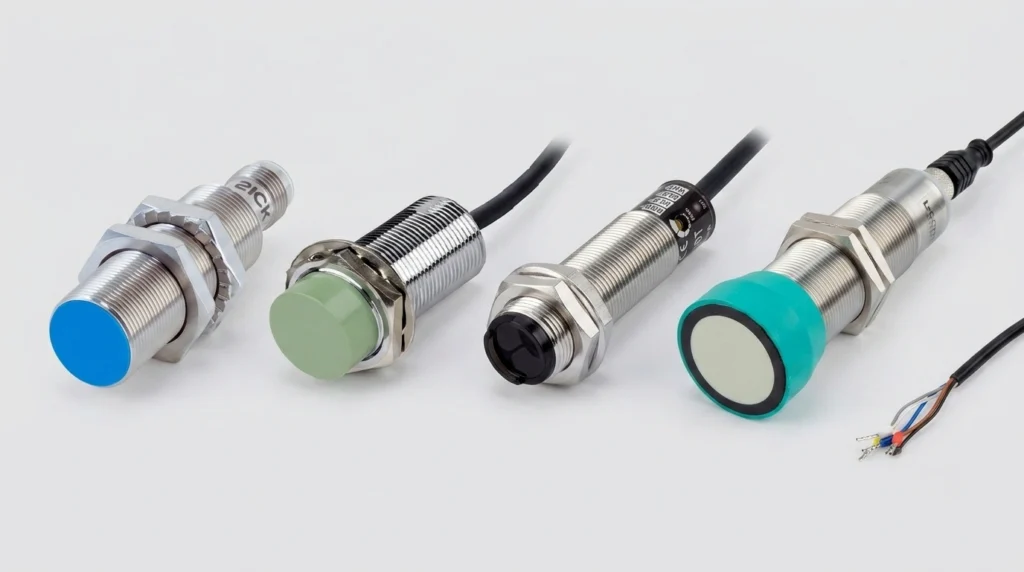
A practical industrial sensors guide covering proximity, photoelectric, ultrasonic, pressure and flow types, wiring, IP ratings, and top brands.
Navigate your Siemens VFD replacements. Decode SINAMICS S120 & G120 modules, configure software, and troubleshoot legacy MICROMASTER 440 fault codes.