

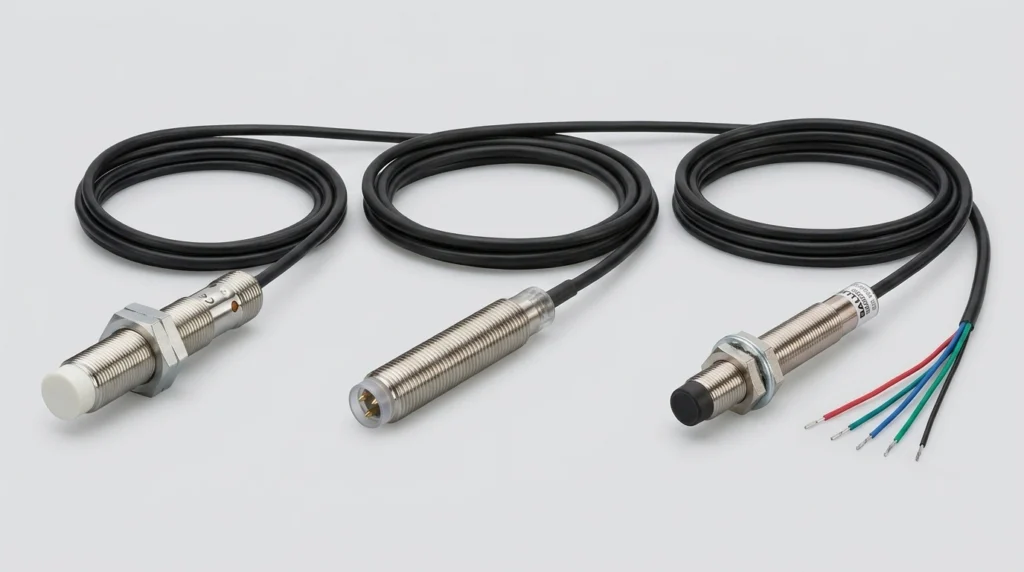
IFM Electronic Sensors: Product Guide for IFM204, BES013N, BES02F0 and IFM Sensor Cables
Master your setup with IFM sensors and cables. Decode the IFM204, clarify Balluff cross-references, check wiring steps, and configure IO-Link masters.
The Schneider Electric HMIGTO5310 is a 10.4-inch industrial touchscreen panel from the Harmony GTO series, built for machine and process-cell applications that need more screen space and communication flexibility than a compact HMI can offer. It runs on 24V DC, carries an IP65 front rating for washdown environments, and connects to Modicon PLCs over Ethernet or serial. For plants standardized on Schneider Electric equipment, it remains one of the most requested mid-tier panels in service today.
Unplanned equipment failure is not a small line item. According to Fluke’s 2025 industrial reliability survey, 61% of manufacturers experienced unplanned downtime in the past year, with global losses reaching up to $852 million per week across the sector. A failing or miswired HMI rarely causes a full line stoppage on its own, but it does slow diagnostics, delay changeovers, and frustrate operators trying to read a flickering screen mid-shift. Getting the specs, wiring, and software setup right the first time avoids adding to that number.
The HMIGTO5310 handles operator-facing tasks that go beyond simple status lights – recipe loading, alarm monitoring, trend graphs, and multi-screen navigation. It sits above Schneider’s compact XBTGT panels in the Magelis GTO family and below the larger 12-15″ units.
Facilities pick this model when a machine needs:
Smaller panels simply don’t offer that combination without stepping up a size class.
Buyers comparing this model against similar Schneider or third-party panels usually want the numbers side by side rather than buried in a PDF.
| Specification | Value |
| Display | 10.4″ TFT color, 640 x 480 VGA, 65,536 colors |
| Touch panel | Resistive film, 1,000,000 touch cycles |
| Memory | 96 MB onboard |
| Communication | RS-232C, RS-485, Ethernet RJ45, USB host + USB device, SD card slot |
| Power input | 24V DC (19.2–28.8V range) |
| Enclosure rating | IP65 front / IP20 rear |
| Operating temperature | 0°C to 55°C |
Note: the backlight is rated for roughly 50,000 hours at 25°C – under normal single-shift use, that translates to years of service before brightness starts noticeably dropping.
Wiring mistakes are one of the more common reasons a “defective” panel turns out to be fine once it’s rewired properly.
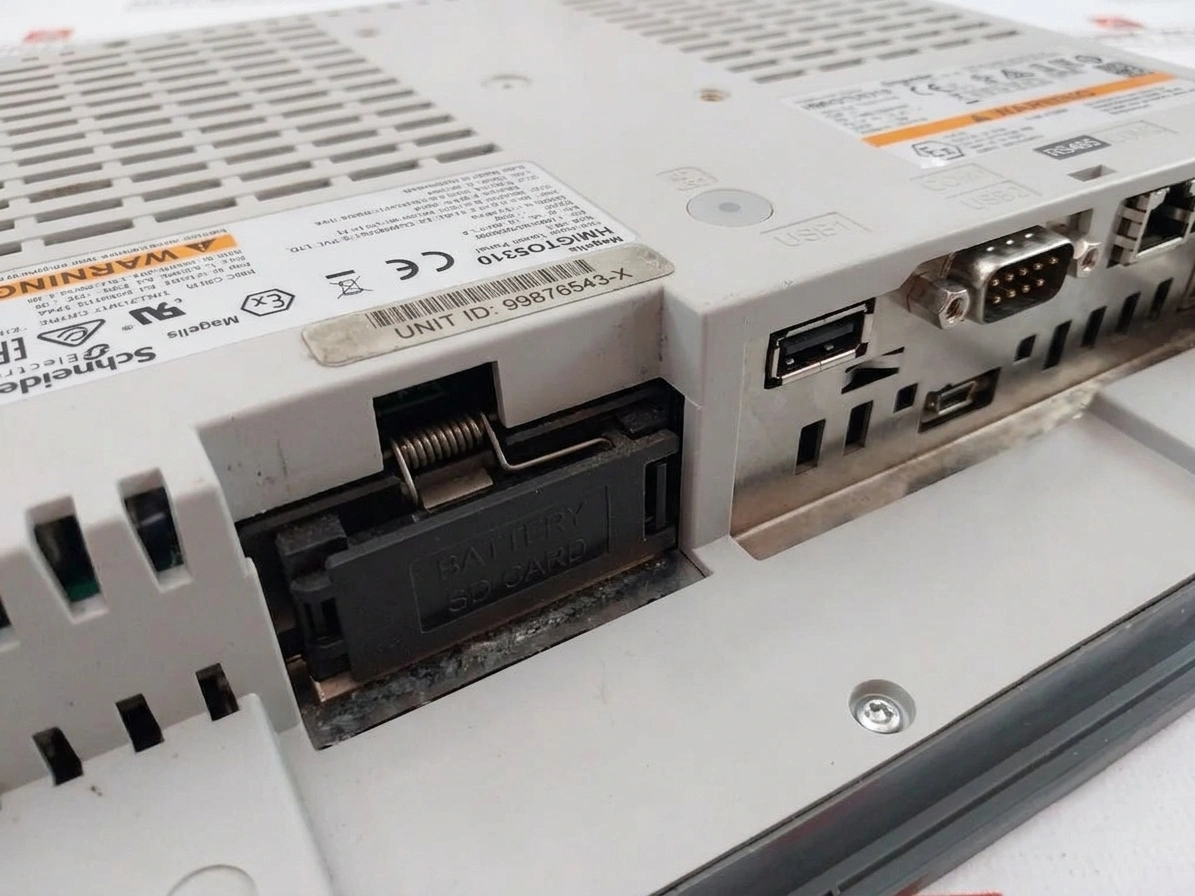
Power connects through a removable terminal block, and polarity is where most first-time installs go wrong. A separate point worth noting: this connector is shared with the HMIGTO5315, HMIGTO6310, and HMIGTO6315, but it is not interchangeable with connectors used on smaller panels like the HMIGTO1300 or HMIGTO3510.
Earthing deserves its own attention. A dedicated functional earth to the panel chassis – separate from the DC ground – prevents the intermittent communication faults and touchscreen noise that get mistaken for hardware defects.
The mini-B USB port is the fastest way to load a project before Ethernet is configured. No special drivers are needed beyond Schneider’s standard USB package, and it works as a simple point-to-point connection between the panel and a laptop running Vijeo Designer.
Vijeo Designer is Schneider’s configuration software for this panel family, and the setup process follows a predictable order once the hardware is selected in the project wizard.
Modicon M340 and M580 controllers are the most common pairing. Getting communication working takes a short sequence:
Most “no communication” errors during commissioning trace back to a subnet mismatch, not a hardware fault.
Vijeo Designer Lite is free and handles basic screen design and tag linking for smaller projects. The paid, full version adds the advanced object library, scripting, multi-language support, and the recipe/alarm management most plants running this panel actually need. For anything beyond a single-screen display, the full license tends to pay for itself quickly.
Two issues account for most service calls on aging units:
Neither issue means the panel needs full replacement, but both are worth checking before assuming a board-level failure.
Programming this panel requires Vijeo Designer 6.2 or later. Older projects built in Vijeo Designer 4.x won’t open directly and need conversion first – a detail worth confirming before a migration deadline arrives unexpectedly.
Once a unit reaches end of life, or a project needs more processing power and a larger display, Schneider’s HMIG3U and HMIGTUX series are the direct upgrade path. Both keep the same general programming approach through Vijeo Designer or EcoStruxure Operator Terminal Expert, so the learning curve for an already-familiar team stays short.
A near-match part number with a different memory configuration or port layout can stall a project fast, especially during an emergency swap mid-shift. Zancot stocks the Schneider Electric HMIGTO5310 alongside comparable HMI, PLC, and drive components from Siemens, Allen Bradley, and ABB – useful when a maintenance team is troubleshooting across mixed-brand cabinets rather than a single vendor.
Pro tip: keep a spare power connector and USB programming cable on hand for panels like the HMIGTO5310 – both are inexpensive, and having them ready cuts diagnostic time in half when a display goes dark mid-shift.
Current HMIGTO5310 pricing and stock availability is available on Zancot’s product page, with the sales team able to confirm lead times for bulk orders or matching accessories.
What PLCs is the HMIGTO5310 compatible with?
It’s most commonly paired with Modicon M340 and M580 controllers over Ethernet, though it also supports serial communication with a wider range of Modicon and third-party PLCs via RS-232C/485.
Does the HMIGTO5310 require a specific Vijeo Designer version?
Yes – Vijeo Designer 6.2 or later is required. Projects from version 4.x need conversion before they’ll open correctly.
Is the HMIGTO5310 still in production?
Availability varies by region and distributor; checking current stock status before specifying it for a new project is recommended.
What causes most HMIGTO5310 failures?
Touchscreen calibration drift and internal display cable wear from vibration are the two most frequent issues reported in the field.
Can the HMIGTO5310 be used in washdown environments? Its IP65 front rating supports washdown exposure on the front panel; the IP20 rear rating means the enclosure behind it still needs to be sealed separately.
Master your setup with IFM sensors and cables. Decode the IFM204, clarify Balluff cross-references, check wiring steps, and configure IO-Link masters.
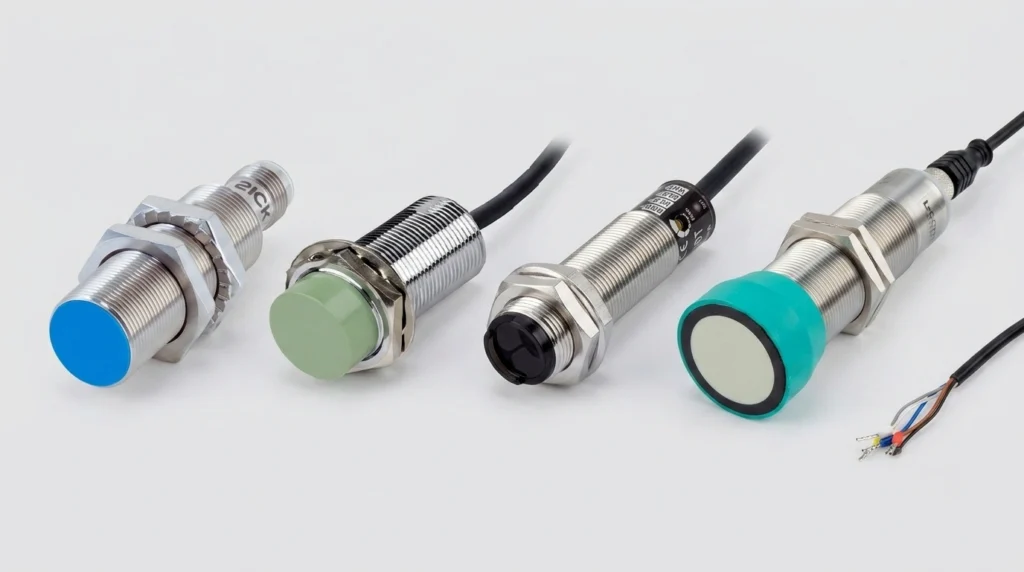
A practical industrial sensors guide covering proximity, photoelectric, ultrasonic, pressure and flow types, wiring, IP ratings, and top brands.
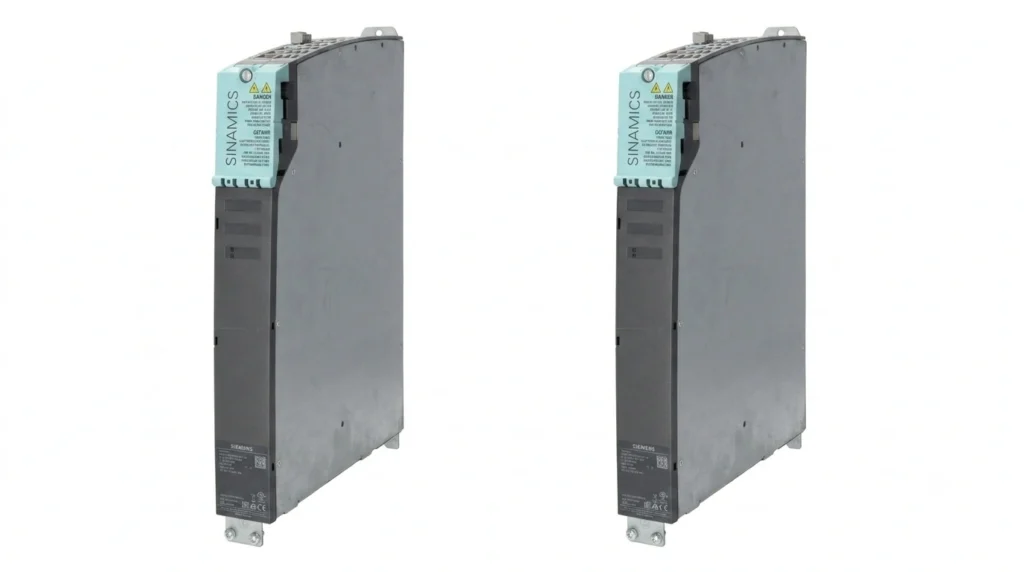
Navigate your Siemens VFD replacements. Decode SINAMICS S120 & G120 modules, configure software, and troubleshoot legacy MICROMASTER 440 fault codes.