

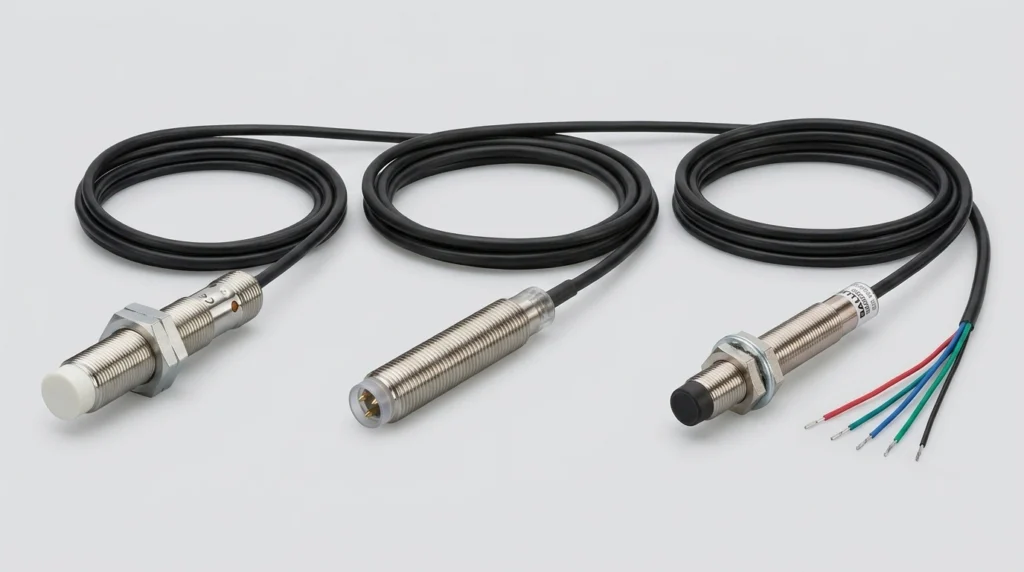
IFM Electronic Sensors: Product Guide for IFM204, BES013N, BES02F0 and IFM Sensor Cables
Master your setup with IFM sensors and cables. Decode the IFM204, clarify Balluff cross-references, check wiring steps, and configure IO-Link masters.
Both the 2711P B15C4D9 and the 2711P-T7C22D9P-B are Allen-Bradley PanelView Plus 6 HMI terminals – still widely installed across industrial facilities, and still the fastest replacement option when a panel goes down on a live production line. One is a 15-inch keypad-and-touch unit; the other is a compact 7-inch touchscreen. Different form factors, same platform logic, and the same sourcing questions every time.
According to the 2024 Siemens report, unplanned operational technology downtime costs the world’s 500 largest companies $1.4 trillion annually – making fast, accurate parts sourcing a genuine operational priority, not just a procurement detail.
The 2711P prefix identifies the entire PanelView Plus 6 generation. Rockwell Automation has moved its active sales focus to the PanelView Plus 7 (2711R series), placing the Plus 6 in active maintenance status – meaning no new hardware development, but firmware updates and replacement parts are still available through the Product Compatibility and Download Center (PCDC).
For engineers managing established installations, this status changes the math significantly. Migrating to a 2711R panel means:
None of that happens in a single shift. For most facilities with a single failed panel in an otherwise stable system, sourcing a verified 2711P B15C4D9 or 2711P-T7C22D9P-B replacement is the practical call.
The catalog string carries more information than it might look like at first glance. Here’s how the 2711P B15C4D9 breaks down:
| Code Segment | Meaning |
| 2711P | PanelView Plus series |
| B | Keypad + resistive touchscreen |
| T | Touchscreen only (as in 2711P-T7C22D9P-B) |
| 15 / 7 | Display size in inches |
| C4 / C22 | Processor variant |
| D9 | 24VDC power input |
| -B (suffix) | Bundle – ships with a communication module |
Pro Tip: The -B suffix on the 2711P-T7C22D9P-B means it typically ships bundled with a specific communication module. Always confirm which module is included before placing a replacement order.
Both models share the same Windows CE 6.0 operating system, the same power input, and identical NEMA/IP protection ratings. The differences come down to screen size, interface type, and processor.
| Specification | 2711P-B15C4D9 | 2711P-T7C22D9P-B |
| Display Size | 15 inch | 6.5 inch |
| Interface | Keypad + Resistive Touch | Resistive Touch only |
| Resolution | 1024 × 768 (XGA) | 640 x 480 VGA |
| Processor | 667 MHz | 1 GHz |
| RAM | 512 MB | 512 MB |
| Power Supply | 24VDC | 24VDC |
| Operating Temp | 0°C to 55°C | 0°C to 55°C |
| NEMA/IP Rating | NEMA 4/4X, IP65 (front) | NEMA 4/4X, IP65 (front) |
| OS | From Windows CE 6.0 | From Windows CE 6.0 |
The 2711P B15C4D9 is the heavier-duty choice for main control stations – the 15-inch screen and physical keypad make it easier to operate when wearing gloves or working in low-visibility conditions. The 7-inch 2711P-T7C22D9P-B is better suited to individual machine cells or enclosures with limited panel real estate.
Neither model ships with built-in Ethernet. Both use an expansion slot on the rear of the unit to accept a communication module – and getting this detail wrong is one of the most common (and most avoidable) sourcing mistakes.
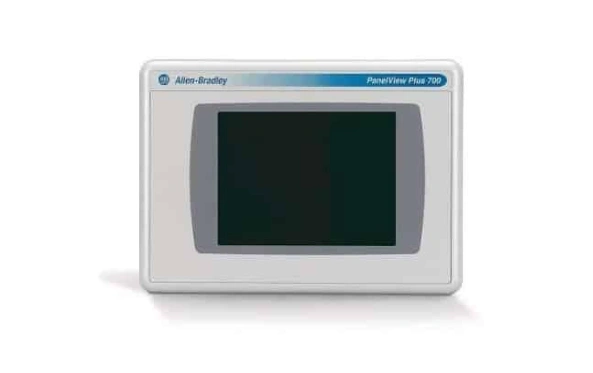
The two standard options are:
Before submitting a purchase order for a 2711P B15C4D9 or 2711P-T7C22D9P-B replacement, take these steps:
If the existing 2711P B15C4D9 in the field has a 2711P-RN15S ControlNet module and the replacement arrives with a 2711P-RN6, the panel will power on normally but won’t communicate with the controller. That’s a recoverable situation, but it adds unnecessary delay.
Both the 2711P B15C4D9 and 2711P-T7C22D9P-B support FactoryTalk View ME up to v10.0 (v10.00.00). Loading a project compiled in a newer version of FT View ME than the panel firmware supports will generate errors on download – so verifying firmware version before transfer is non-negotiable.
Studio 5000 compatibility is a controller-side issue. The HMI itself communicates through FactoryTalk View ME, and tag database exports from Studio 5000 v30+ projects import cleanly into FT View ME as long as data type structures haven’t changed.
Both panels store the OS, firmware, and application on an industrial Compact Flash card. When replacing a failed unit, do not transfer the CF card from the old panel to the new one – firmware version mismatches can cause boot failures.
The correct procedure:
That .mer file is the restore point. Without it, reconstructing the application from scratch becomes the only option.
Field experience across PanelView Plus 6 installation points to two failure patterns that account for the majority of replacement requests:
Backlight failure – The CCFL fluorescent backlight in older 2711P B15C4D9 units dims gradually before going dark entirely. The application keeps running; the screen just can’t be seen. This is frequently misdiagnosed as a total panel failure when only the backlight assembly has failed.
Resistive touch calibration drift – Resistive touchscreens lose positional accuracy over time, especially in environments with significant temperature cycling. When operators start pressing to the side of a button to activate it, recalibration from the system menu is the first step. If the drift returns quickly after recalibration, the touch overlay itself needs replacement.
Both failure modes are documented in Rockwell’s HMI troubleshooting resources and are well understood by suppliers who specialize in industrial automation components.
The PanelView Plus 7 (2711R series) is Rockwell’s current platform. The direct size equivalents are the 2711R-T7T (7-inch) and the 2711R-T15T (15-inch). Both use capacitive touchscreens, offer higher processing power, and benefit from active software development.
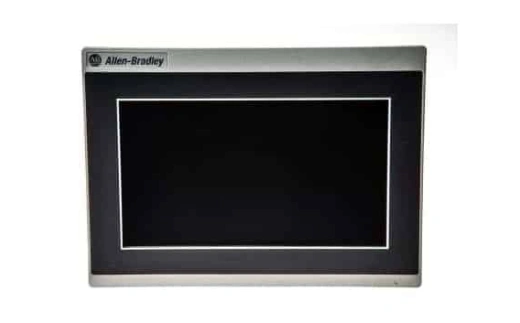
Migration involves display resolution adjustment, font substitution, and full communication reconfiguration – not a trivial effort. For facilities running multiple Plus 6 panels across a shared architecture, a phased approach works better than a full cutover. For a single failed panel in an otherwise functioning system, replacing like-for-like with a verified 2711P B15C4D9 or 2711P-T7C22D9P-B keeps the project intact and avoids revalidation overhead.
Rockwell’s official migration documentation covers the full conversion process for teams ready to make that move.
Zancot carries both the 2711P-B15C4D9 and the 2711P-T7C22D9P-B as part of a broad Allen-Bradley HMI inventory. Units are inspected before shipping, and the team can assist with communication module pairing, firmware questions, and urgent lead-time requests.
Browse the full Allen-Bradley HMI catalog at Zancot or reach out directly to confirm availability.
Is the 2711P-B15C4D9 still supported by Rockwell Automation?
Yes – the PanelView Plus 6 line is in active maintenance status. Firmware updates and replacement parts remain available through Rockwell’s PCDC portal.
Can the 2711P-T7C22D9P-B connect to an Ethernet/IP network?
Yes, with the 2711P-RN6 expansion module installed in the rear communication slot. The base unit does not include built-in Ethernet.
What happens if the firmware version on a replacement 2711P B15C4D9 doesn’t match the original?
The project may fail to download, or some features may behave unexpectedly. Always verify firmware on the replacement unit and update through PCDC before loading the application.
What is the difference between 2711P-B15C4D9 and 2711P-T7C22D9P-B in terms of operator use?
The B15C4D9 includes a physical keypad alongside the touchscreen – useful for glove-friendly operation. The T7C22D9P-B is touch-only and better suited to compact enclosures or individual machine cells.
Master your setup with IFM sensors and cables. Decode the IFM204, clarify Balluff cross-references, check wiring steps, and configure IO-Link masters.
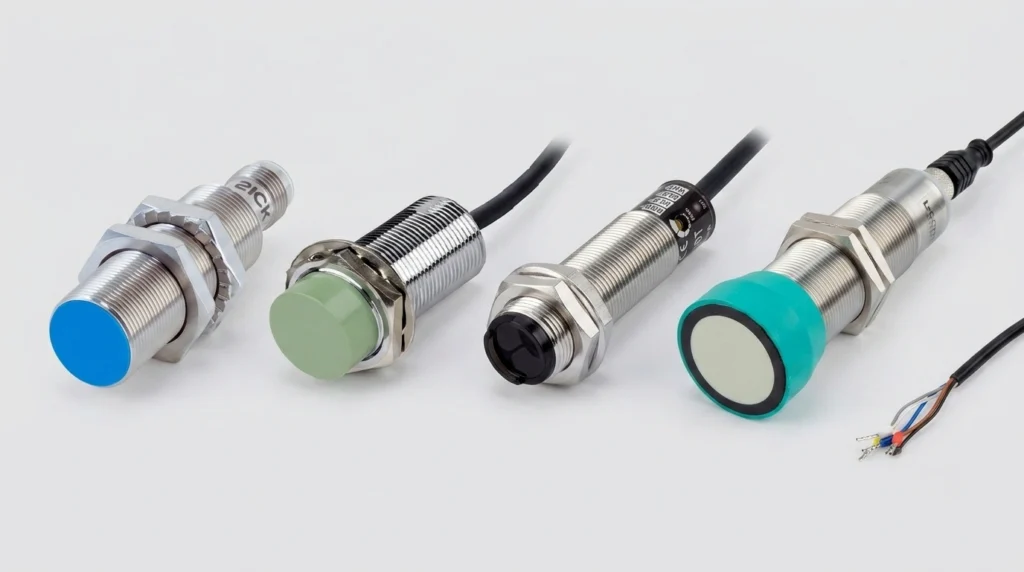
A practical industrial sensors guide covering proximity, photoelectric, ultrasonic, pressure and flow types, wiring, IP ratings, and top brands.
Navigate your Siemens VFD replacements. Decode SINAMICS S120 & G120 modules, configure software, and troubleshoot legacy MICROMASTER 440 fault codes.