

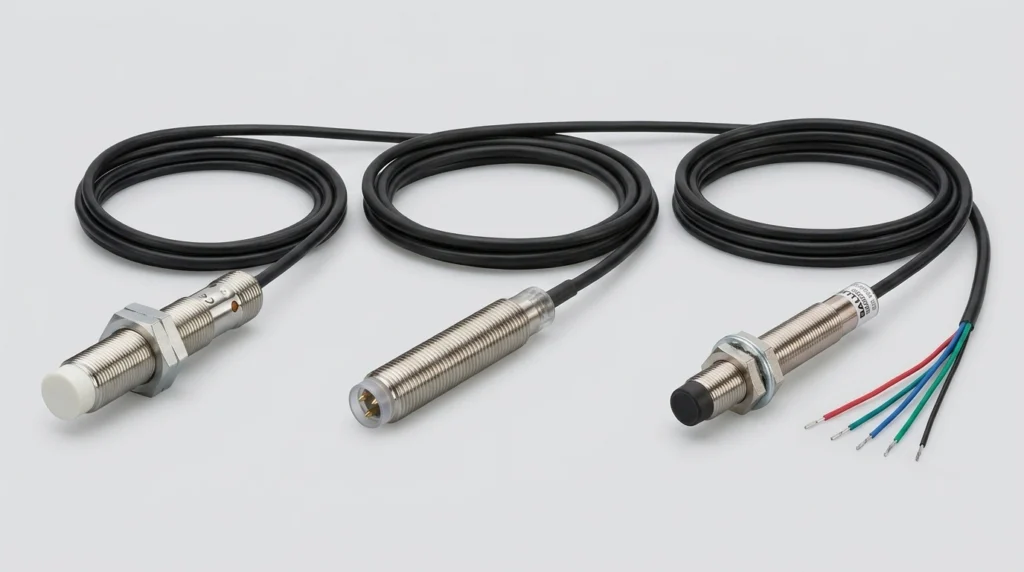
IFM Electronic Sensors: Product Guide for IFM204, BES013N, BES02F0 and IFM Sensor Cables
Master your setup with IFM sensors and cables. Decode the IFM204, clarify Balluff cross-references, check wiring steps, and configure IO-Link masters.
Sizing a Yaskawa VFD correctly comes down to one thing: matching the drive’s rated output current to the motor’s full load amps, then adjusting for altitude, duty cycle, and enclosure conditions. Get that wrong and the result is nuisance tripping, premature failure, or a drive that costs far more than the application needs. This guide breaks down how the GA700 and A1000 series differ, how to size them properly, and where most sizing mistakes actually happen.
Demand for this kind of technical clarity isn’t shrinking. According to 2025 Market Growth Reports data, North America recorded over 580,000 VFD installations in 2024, with the United States representing roughly 430,000 units, and pumps and fan applications collectively accounted for over 52% of total VFD usage globally – exactly the territory where Yaskawa’s GA700 and A1000 platforms live.
The GA700 is Yaskawa’s current general-purpose vector drive; the A1000 is the previous generation, still widely installed and still fully supported. Both cover a similarly broad horsepower range, both use the same lettered parameter group structure, and both show up constantly in industrial facilities across water treatment, HVAC, and manufacturing.
Plenty of engineers assume an older drive series means outdated technology. That’s not really the case here – the A1000 remains a capable, high-performance vector drive, and thousands of units are still running motors reliably in the field.
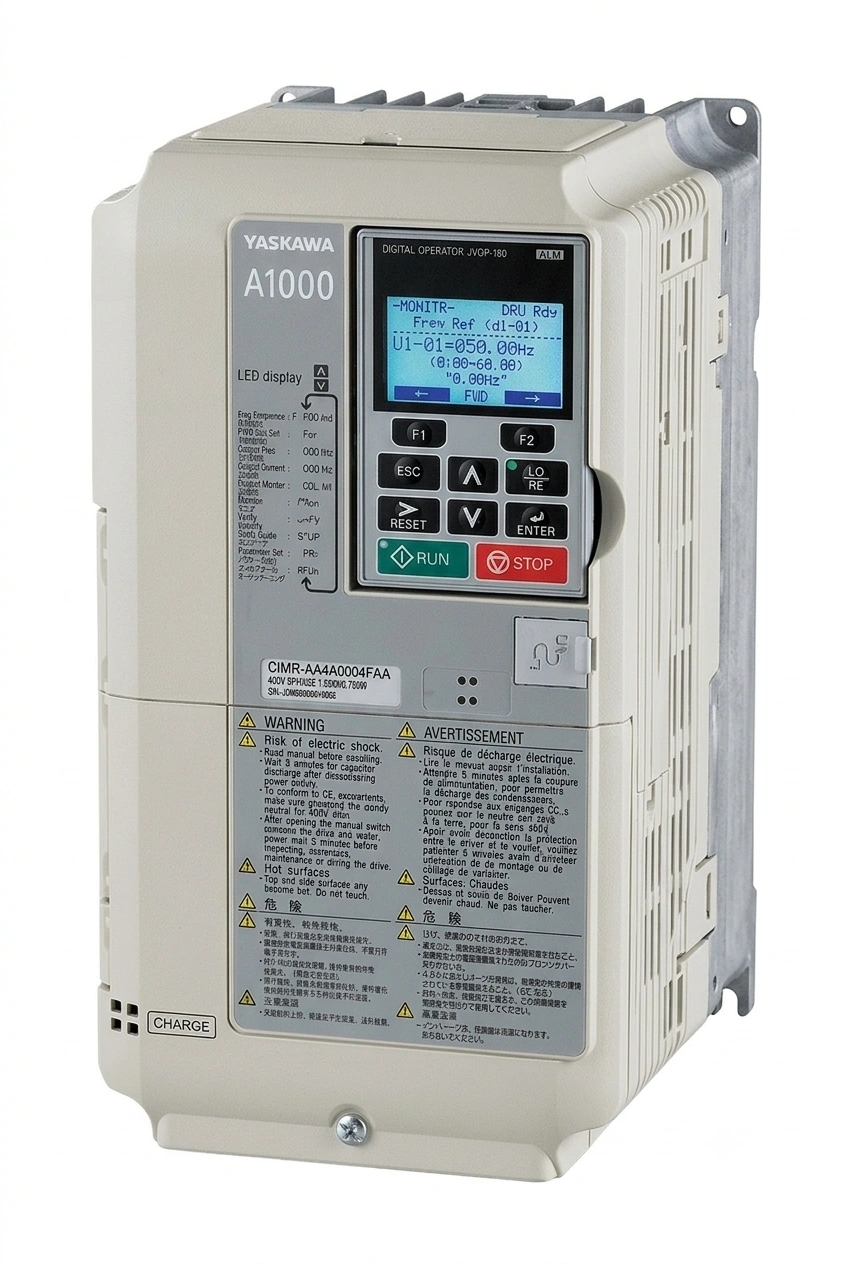
Replacing a failed A1000 with another A1000 often makes more sense than forcing a full upgrade, especially when existing wiring, programming, and spare parts inventory are already built around that platform.
The GA700 added a few genuinely useful upgrades rather than just a redesign for its own sake:
The short answer: match the drive’s output current rating to the motor’s nameplate FLA (full load amps), not just its horsepower. Horsepower is a rough guide, but two motors rated at the same HP can carry different FLA values depending on efficiency class and design – checking the actual nameplate current avoids expensive guesswork.
Above roughly 3,300 feet (about 1,000 meters), a Yaskawa VFD needs to be derated because thinner air reduces its ability to cool itself. This matters more than most buyers expect, particularly across the Mountain West region of the US – Denver, Salt Lake City, Albuquerque, and similar elevations all fall into derating territory.
Note: Skipping this calculation doesn’t always cause an immediate failure. More often it shortens drive life gradually or triggers overtemperature faults that seem unrelated to altitude at first glance.
Most Yaskawa drives offer two current ratings on the same hardware:
| Rating | Typical Load Type | Overload Margin | Common Applications |
| Normal Duty (ND) | Variable torque | Lower momentary overload | Pumps, fans |
| Heavy Duty (HD) | Constant torque | Higher momentary overload | Conveyors, mixers, extruders |
Choosing ND for a load that actually behaves like HD can leave a motor underprotected during startup surges. Choosing HD for a simple pump application, on the other hand, often just means paying for capacity that never gets used.
Model numbers look complicated until they’re broken into segments. Take CIMR-AU2A0006FAA as an example:
This structure matters most during replacement projects, when matching the exact current rating against a nameplate is more reliable than matching horsepower alone.
A handful of settings come up again and again during commissioning and troubleshooting:
Both the GA700 and A1000 organize settings into the same lettered groups:
Because this structure carries over between generations, many A1000 parameters map directly to GA700 equivalents. Migration is smoother than switching between unrelated drive brands – though specific parameter numbers and default values can differ, so a side-by-side check during commissioning is still worth doing rather than assuming a straight swap.
When a Yaskawa VFD trips, the fault code usually points straight at the cause:
Catching these early during commissioning, rather than chasing them after installation, saves both downtime and diagnostic time later.
Energy savings from VFD adoption range between 15% and 35% per motor, which is exactly why so many facilities standardize on VFD-driven pumps and fans rather than fixed-speed motors. But those savings only materialize if the drive is sized correctly and sourced from stock that matches the actual model number needed – not a close approximation.
Facilities running mixed A1000/GA700 installed bases face a common problem: sourcing an exact replacement quickly, without waiting weeks for a special order. That’s a sourcing challenge, not just a technical one.
Whether the need is a direct replacement A1000 to keep an existing pump station running, or a GA700 to add built-in PID control to a modernization project, having the correct model number confirmed before ordering avoids costly mismatches. Zancot stocks Yaskawa A1000 drives for industrial buyers who need parts sourced accurately and on schedule.
What’s the main difference between the GA700 and A1000?
The GA700 is Yaskawa’s current-generation drive with added features like iQ-Pump PID control and DriveWorks EZ onboard logic. The A1000 is the previous generation but remains widely used and fully supported, particularly for replacement projects.
Can an A1000 be replaced with a GA700 without reprogramming everything?
Not entirely from scratch. Many parameters map directly between the two series since both use the same lettered group structure, but specific parameter numbers and defaults can differ, so commissioning still requires a comparison rather than a blind copy.
How is altitude derating calculated for a Yaskawa VFD?
Derating typically begins above roughly 3,300 feet (1,000 meters). The exact derating percentage depends on the specific model and enclosure – Yaskawa’s technical documentation includes derating tables by model series.
What does the fault code OL1 usually mean?
OL1 indicates motor overload. It can mean the drive is correctly protecting an undersized motor, or that motor overload parameters weren’t set to match the actual nameplate current during commissioning.
Where can these drives be sourced quickly?
GA700 and A1000 drives are available through Zancot for buyers who need the exact model number matched to their application, without long special-order lead times.
Master your setup with IFM sensors and cables. Decode the IFM204, clarify Balluff cross-references, check wiring steps, and configure IO-Link masters.
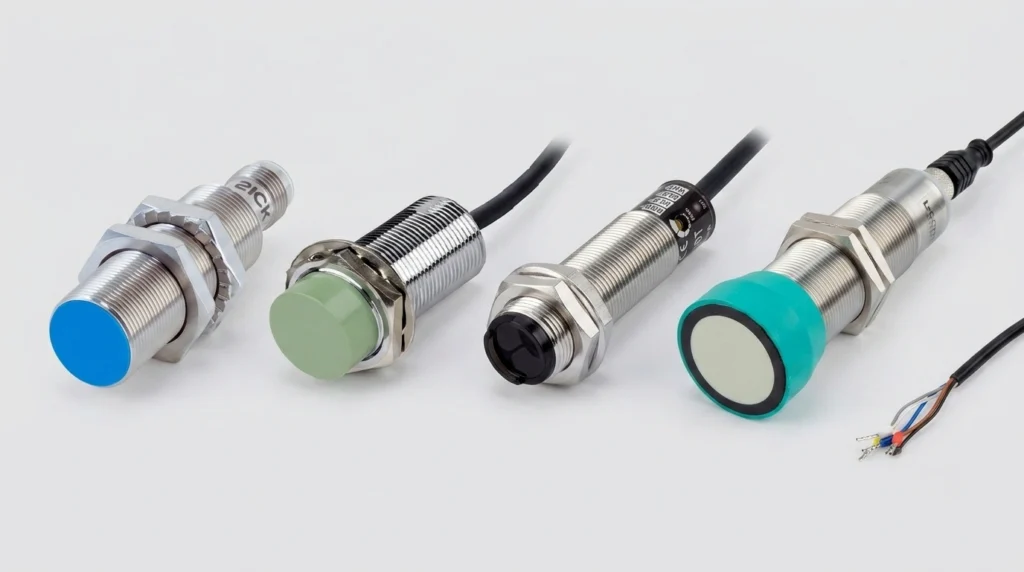
A practical industrial sensors guide covering proximity, photoelectric, ultrasonic, pressure and flow types, wiring, IP ratings, and top brands.
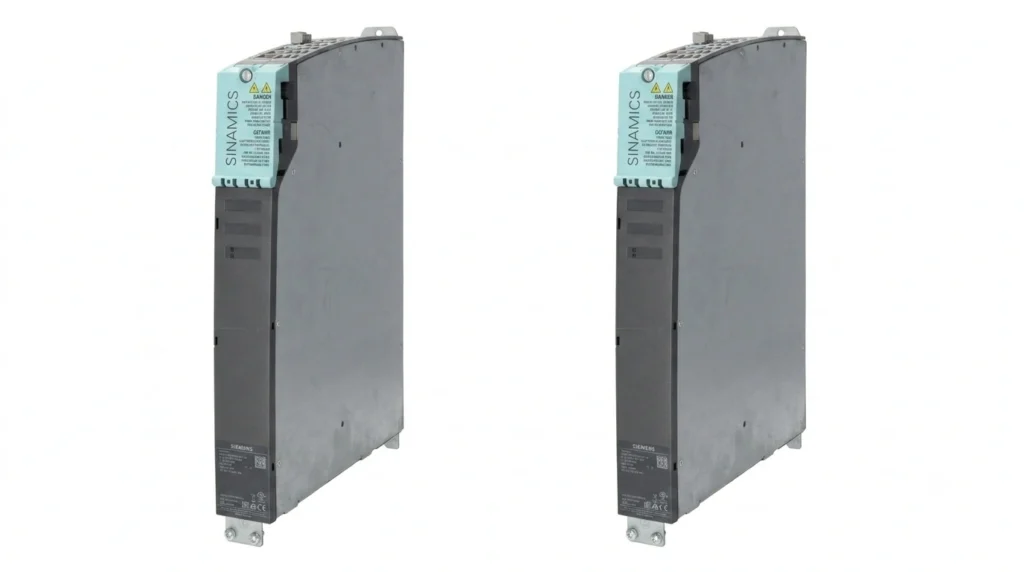
Navigate your Siemens VFD replacements. Decode SINAMICS S120 & G120 modules, configure software, and troubleshoot legacy MICROMASTER 440 fault codes.