

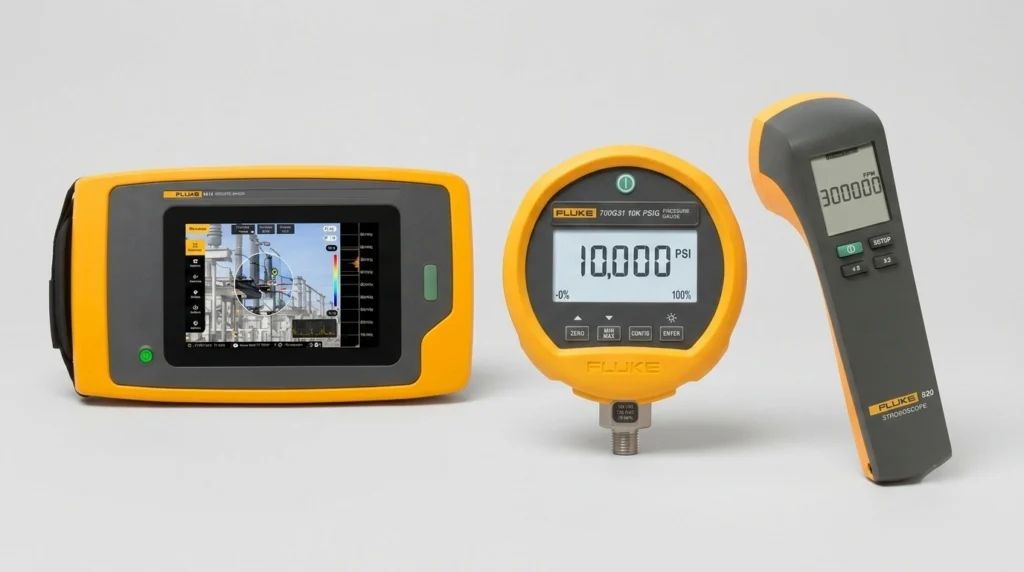
Fluke ii915, 700G31 & 820-2: Industrial Test Tools Compared
Compare the Fluke ii915 acoustic imager, 700G31 pressure calibrator, and 820-2 stroboscope. Learn specs, safety, and how to choose the right industrial tool.
Unplanned downtime is reduced most reliably through scheduled PLC maintenance, VFD maintenance, and HMI maintenance – not through faster repairs after something already broke. That distinction matters more than it sounds. A survey of 600 manufacturing decision-makers across the US, UK, and Germany found that unplanned downtime now costs the industry up to $852 million every week, with 61% of manufacturers reporting at least one unplanned outage in the past year. For plants running on programmable controllers, drives, and operator panels, a large share of that cost traces back to components that are inexpensive to maintain and expensive to replace under pressure.
Not all downtime is created equal. When a conveyor motor fails, one machine stops. When a PLC fails, everything downstream of it stops, because the controller is coordinating the whole line rather than a single station.
That’s the core problem this guide addresses.
Automation components also fail differently than mechanical ones. A bearing gets louder before it fails. A PLC, by contrast, can run for years and then lose its program because a coin-cell battery quietly died overnight – with no warning at all.
Mean time between failures (MTBF) gives a useful (if imperfect) baseline for planning replacements before they become emergencies.
| Component | Typical MTBF | What That Means in Practice |
| PLC CPU | 500,000+ hours | Outlasts most of the equipment it controls |
| VFD capacitors | 80,000–100,000 hours | Roughly 9–11 years of continuous operation |
| HMI backlight | 50,000–70,000 hours | The shortest-lived component on this list |
Pro tip: track installation dates, not just fault logs. A component nearing its MTBF ceiling with zero reported issues is often the one about to fail.
A failing PLC rarely gives a clean warning sign. Most controller-related downtime traces back to a short list of tasks that got pushed to “next quarter” one too many times.
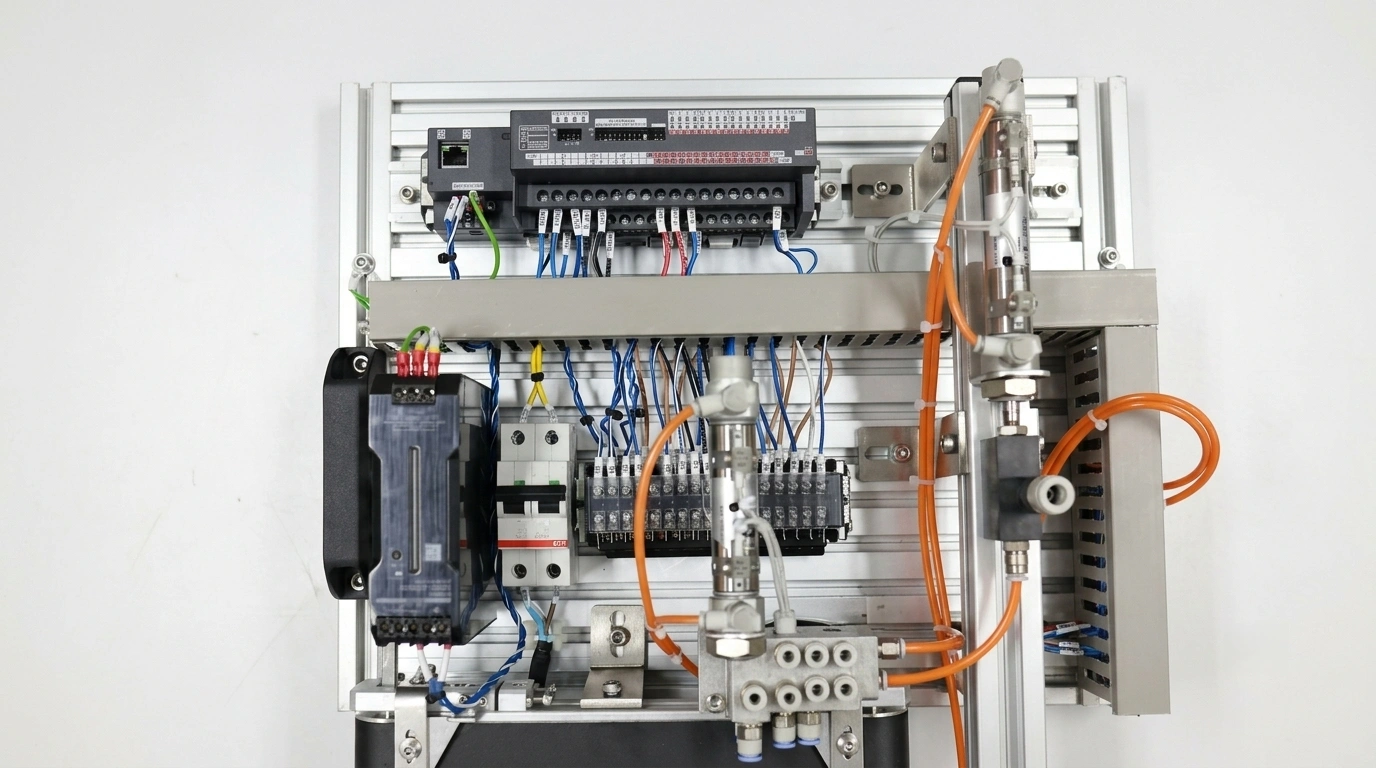
The specific battery or backup method depends on the platform in use, so it’s worth confirming this against the exact model before assuming a one-size-fits-all approach.
None of this requires specialized tooling. It requires a fixed date on the calendar, rather than a mental note buried under more urgent work orders.
Three causes account for the majority of variable frequency drive failures: capacitor degradation, fan bearing wear, and IGBT stress from repeated overload conditions. Heat runs through all three – a drive that operates hot ages faster across every internal component, which is why overtemperature, not electrical faults, is the leading driver of drive failure in the field.
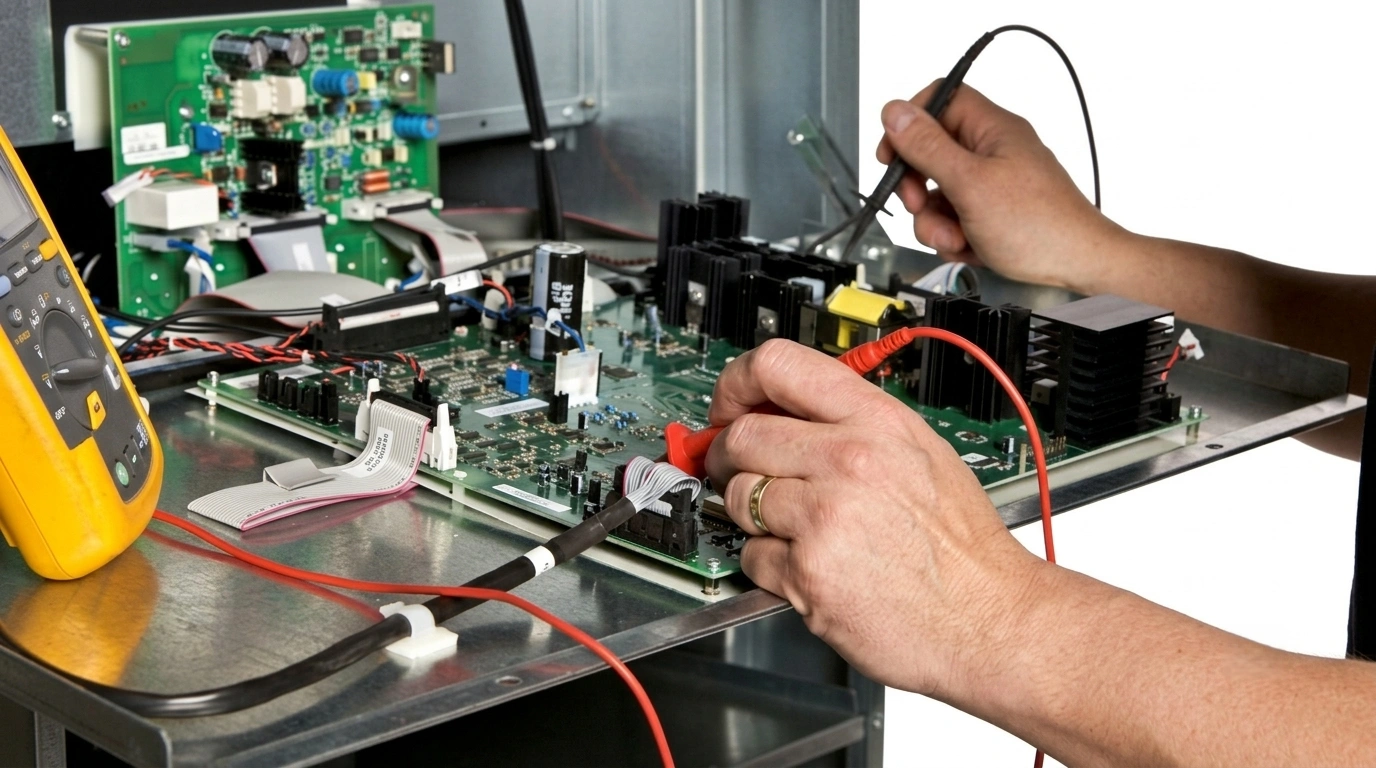
An annual cycle covers most of what matters, provided each step is followed consistently rather than skipped when time is tight.
Skipping VFD maintenance rarely causes an immediate failure. It causes a slow accumulation of thermal stress that tends to surface during the busiest production run of the quarter, since that’s when drives are pushed hardest.
Operator panels get less attention than controllers and drives, mostly because they’re seen as display devices rather than critical control components. That perception costs plants more than they’d expect: a failed HMI can strand an operator without visibility into a process, even while the underlying logic runs perfectly.
Three mechanisms dominate HMI failure, and each has a distinct maintenance response.
An annual check should include display brightness testing against a known baseline, a full touchscreen zone test (dead zones tend to appear first in corners), a project file backup to a PC, and a battery voltage check where the model supports it.
A checklist only works if someone actually runs it on schedule. Organizing tasks by frequency, rather than by component type, tends to hold up better in practice.
| Frequency | PLC | VFD | HMI |
| Monthly | Visual inspection of terminals and enclosure | Listen for fan/bearing noise; check for dust buildup | Wipe screen; check for dead touch zones |
| Quarterly | Confirm current program backup exists | Check DC bus capacitor voltage | Verify backup battery status |
| Annually | Battery replacement, firmware review, terminal torque check | Deep clean fins, fan replacement if needed | Full backlight/touchscreen test, project backup, battery replacement |
The gap between “having a checklist” and “having one that works” usually comes down to consistency. A quarterly VFD maintenance check that actually happens every quarter beats an elaborate annual overhaul that keeps getting postponed.
A simple rule holds up well across most component types: if repair cost exceeds roughly half the cost of replacement, replacement is usually the better decision – once labor and the risk of a repeat failure are factored in.
That threshold plays out differently depending on the part:
Recovery data backs up why this matters. Recovery time after a downtime incident has stretched in recent years, driven partly by how long it takes to source the right replacement component once a plant is already down.
None of the preventive work above matters much if the replacement part isn’t available when it’s actually needed. That’s the real gap between a maintenance plan on paper and one that survives a failure at 2 a.m.
Zancot supplies industrial equipment parts across the brands most automation-heavy plants already run – Siemens, Allen-Bradley, ABB, and Schneider Electric. Whether the need is a specific PLC CPU module, a replacement VFD, or an HMI panel matched to an exact model number, sourcing through a single industrial electronic supply partner cuts the research time that otherwise eats into a repair window.
Browsing by PLC controllers, VFD drives, or HMI touch panels makes it easier to match exact model numbers instead of settling for a close-enough substitute – and the same catalog covers the smaller industrial parts and equipment, like batteries, fans, and memory modules, that rarely get budgeted for until they’re missing.
Reducing downtime rarely comes down to one dramatic fix. It comes down to a battery replaced on schedule, cooling fins cleaned before summer heat sets in, and a backup file that actually exists when it’s needed. Stocking critical maintenance spares in advance turns a potential multi-day shutdown into a same-shift repair. Reach out to Zancot to identify the exact model numbers a plant depends on and get the right industrial equipment parts on the shelf before they’re urgently needed.
How often should PLC maintenance be performed?
A monthly visual check plus an annual deep review (covering battery status, firmware, and backups) catches most issues before they cause downtime.
What’s the biggest cause of VFD failure?
Overtemperature from dust-blocked cooling fins, followed by capacitor degradation and fan bearing wear.
Do HMIs really need scheduled maintenance?
Yes. Backlights and touchscreens have a physical wear-out point, and batteries fail quietly the same way PLC batteries do.
How long do industrial automation components typically last?
PLC CPUs are rated for 500,000+ hours, VFD capacitors for 80,000–100,000 hours, and HMI backlights for 50,000–70,000 hours – though real-world conditions like heat and dust shorten these figures.
Is it cheaper to repair or replace a failed component?
If repair costs exceed roughly half the price of a new unit, replacement is usually the better financial decision once labor and failure risk are included.
Compare the Fluke ii915 acoustic imager, 700G31 pressure calibrator, and 820-2 stroboscope. Learn specs, safety, and how to choose the right industrial tool.
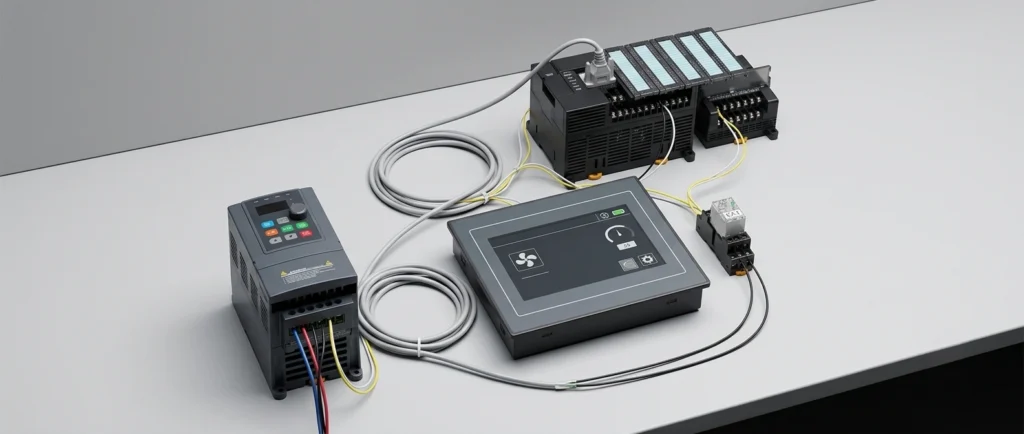
Master PLC troubleshooting and VFD fault diagnosis with this step-by-step checklist. Learn to check power supplies, decode status LEDs, and isolate I/O issues fast.
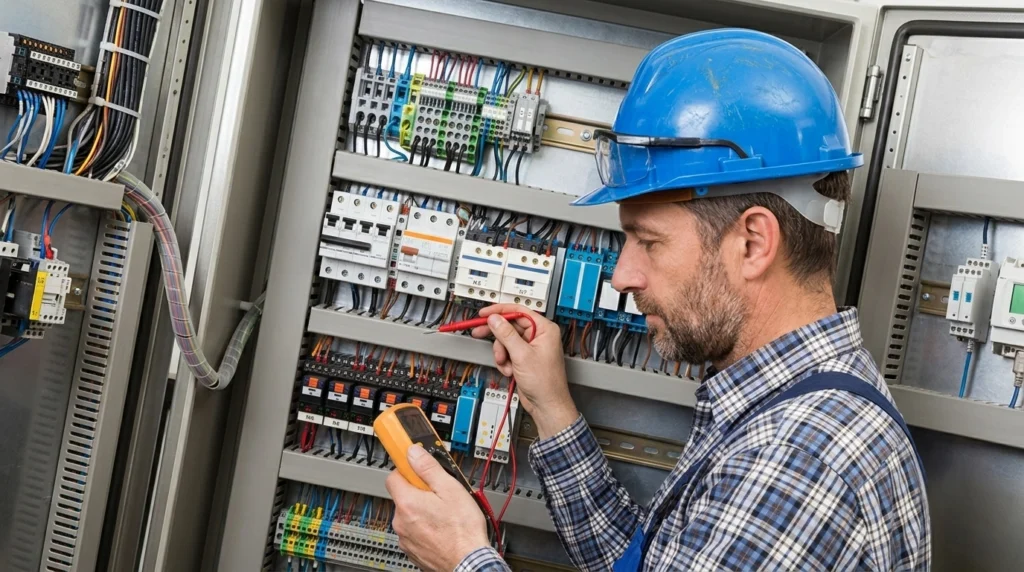
Reduce unplanned industrial downtime with this complete PLC maintenance checklist. Cover VFD heat management, HMI lifespan checks, and critical spare parts planning.